
Fish finder sonar modes show you underwater structures, fish, and terrain details by interpreting sonar waves that bounce off objects. Different modes, like “chirp” or “fish ID,” help you distinguish between fish and the bottom, making it easier to identify promising spots. They can highlight features like rocks, vegetation, or drop-offs, giving you a clear view of your surroundings. Keep exploring to learn how mastering these modes can boost your fishing success.
Listen free for 30 days with Audible
Thousands of audiobooks and originals — cancel anytime.
As an affiliate, we earn on qualifying purchases.
Key Takeaways
- Sonar modes display underwater terrain, structures, and fish targets with varying detail and emphasis.
- Different modes, like “chirp” or “fish ID,” combine signals to differentiate fish from terrain.
- Modes can highlight specific features such as drop-offs, vegetation, or submerged objects.
- Visualization varies from broad area scans to high-detail zoomed-in views.
- Proper calibration and mode selection improve detection accuracy and interpretive clarity.
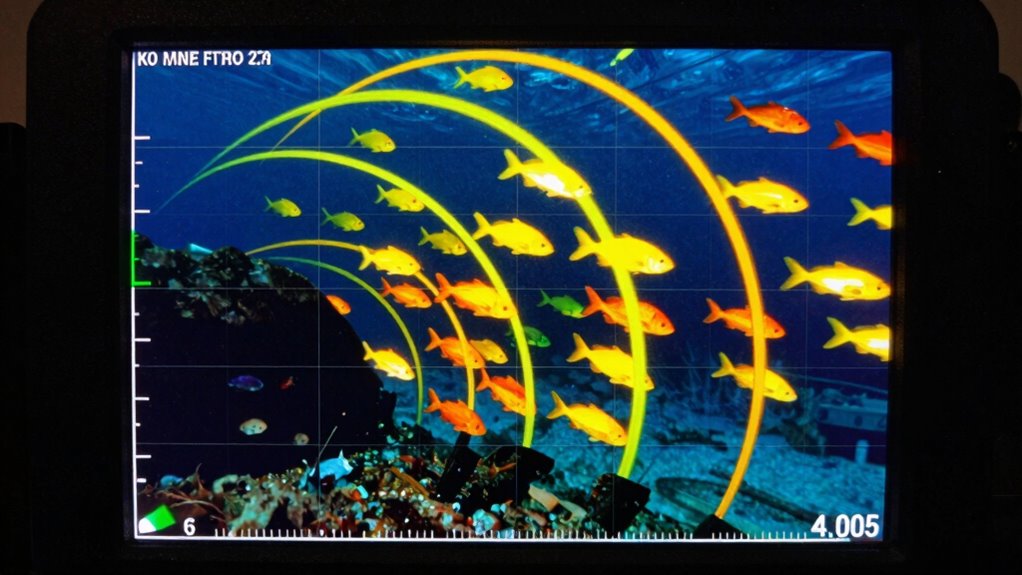
Have you ever wondered how fish finders detect fish beneath the water? When you turn on your device, it sends out sonar waves that travel through the water, bouncing off objects and returning as echoes. These echoes are processed into images that you see on your screen. But what exactly do the different sonar modes show you? Understanding this helps you interpret what’s beneath the surface more effectively, especially when it comes to steering through varied underwater terrain and guaranteeing proper sonar calibration.
In the common modes like “chirp” or traditional “fish ID,” your fish finder displays a combination of details. These include the underwater terrain, schools of fish, individual targets, and the bottom structure. The mode you select influences how clearly you see these elements. For example, some modes emphasize separating fish from the bottom, making it easier to identify baitfish or larger game fish. Others focus on giving a detailed view of the underwater terrain, highlighting features like drop-offs, rocks, or vegetation. The clarity of these images depends on proper sonar calibration, which guarantees the device accurately interprets the echoes, reducing false signals and improving detection. Proper calibration is essential for ensuring your fish finder provides reliable readings.
When you switch to different sonar modes, you’re essentially adjusting how the device processes the returning signals. Many advanced fish finders offer modes that enhance the visualization of underwater terrain, allowing you to see contours and structures in sharper detail. This is especially helpful when you’re trying to locate specific features where fish might hide. The sonar’s ability to differentiate between the bottom and suspended objects depends heavily on correct calibration. If your sonar isn’t calibrated properly, it might misrepresent the underwater terrain, making it harder to identify promising fishing spots or steer safely. Additionally, adjusting your settings can help you better interpret sonar signals and avoid misreading clutter or false targets. Proper calibration also plays a critical role in maximizing the accuracy of your readings, ensuring you’re making informed decisions on the water.
Some modes are designed to show a broad view, covering large areas quickly, while others zoom in on specific spots with higher detail. For instance, when you’re exploring new waters, switching modes to better visualize the underwater terrain can reveal hidden drop-offs or submerged logs. These features often attract fish, so recognizing them on your display becomes vital. The key is understanding that each mode interprets the sonar data differently, and getting familiar with how your fish finder displays these signals helps you make smarter decisions on the water. A comprehensive understanding of sonar processing can significantly improve your ability to read and react to what the device shows.
Ultimately, what the fish finder sonar modes show you depends on your settings and calibration. They reveal everything from the shape of the underwater terrain to the presence of fish and underwater structures. By mastering these modes and guaranteeing your device is properly calibrated, you gain a clearer picture of what lies beneath, boosting your chances of a successful and enjoyable fishing trip. Recognizing the importance of sonar calibration can significantly enhance the accuracy of your fish finder readings and improve your overall fishing experience.
As an affiliate, we earn on qualifying purchases.
Frequently Asked Questions
How Do I Interpret Fish Icons on Sonar Screens?
You interpret fish icons on sonar screens by recognizing they often indicate species identification, helping you understand what kind of fish is nearby. These icons typically show the fish’s size and position relative to your boat. Keep an eye on temperature readings, as they can signal the preferred habitat of certain species. Use this info to target the right fish, adjusting your bait and techniques for better catches.
Can Sonar Modes Detect Underwater Structures?
Absolutely, sonar modes can reveal underwater structures like no other! When you switch to structure scan or side imaging modes, you get a vivid, almost 3D map of underwater terrain, showing rocks, wrecks, and drop-offs in astonishing detail. The sonar signal strength highlights these structures, making even the tiniest crevices stand out. With these modes, you’ll feel like you have x-ray vision into the depths, uncovering secrets hidden beneath the surface.
What Settings Improve Visibility in Murky Water?
To improve visibility in murky water, you should adjust your fish finder settings by focusing on water clarity and sonar calibration. Increase sensitivity to detect faint signals and reduce noise. Switching to a narrow beam angle enhances detail in low-visibility conditions. Proper sonar calibration guarantees accurate readings, helping you distinguish fish and structures despite poor water clarity. These adjustments make it easier to locate targets in murky environments.
Are There Differences Between Traditional and Down Imaging?
Think of traditional sonar as a spotlight illuminating fish in a broad, sweeping beam, giving you a general idea of their location. Down imaging, however, is like switching to a high-definition camera, revealing detailed structures and fish behavior analysis with stunning clarity. Advanced sonar technologies enhance this detail, allowing you to distinguish fish from the environment more easily. So, yes, there’s a clear difference—down imaging provides a more detailed, lifelike view compared to traditional sonar.
How Often Should I Update My Fish Finder Software?
You should update your fish finder software whenever updates are available, ideally every few months. Regular updates improve fish finder calibration and include necessary sonar frequency adjustments, guaranteeing accurate readings. Check your manufacturer’s website or app notifications for updates. Keeping your software current helps optimize performance, enhances image clarity, and ensures compatibility with new features, so your fish finder remains reliable and effective on every trip.
As an affiliate, we earn on qualifying purchases.
Conclusion
Understanding what fish finder sonar modes show helps you make smarter decisions on the water. With nearly 80% of anglers relying on sonar technology, knowing how each mode works can boost your success. Whether you’re scanning for fish or mapping the bottom, these modes give you a clearer picture of what’s below. Mastering this tech means you’re more likely to catch that big one you’re after. So, get comfortable with your fish finder and reel in more catches!
As an affiliate, we earn on qualifying purchases.
best fish finder for structure scanning
As an affiliate, we earn on qualifying purchases.
As an affiliate, we earn on qualifying purchases.
Flea & tick season Picks
flea and tick prevention
As an affiliate, we earn on qualifying purchases.